
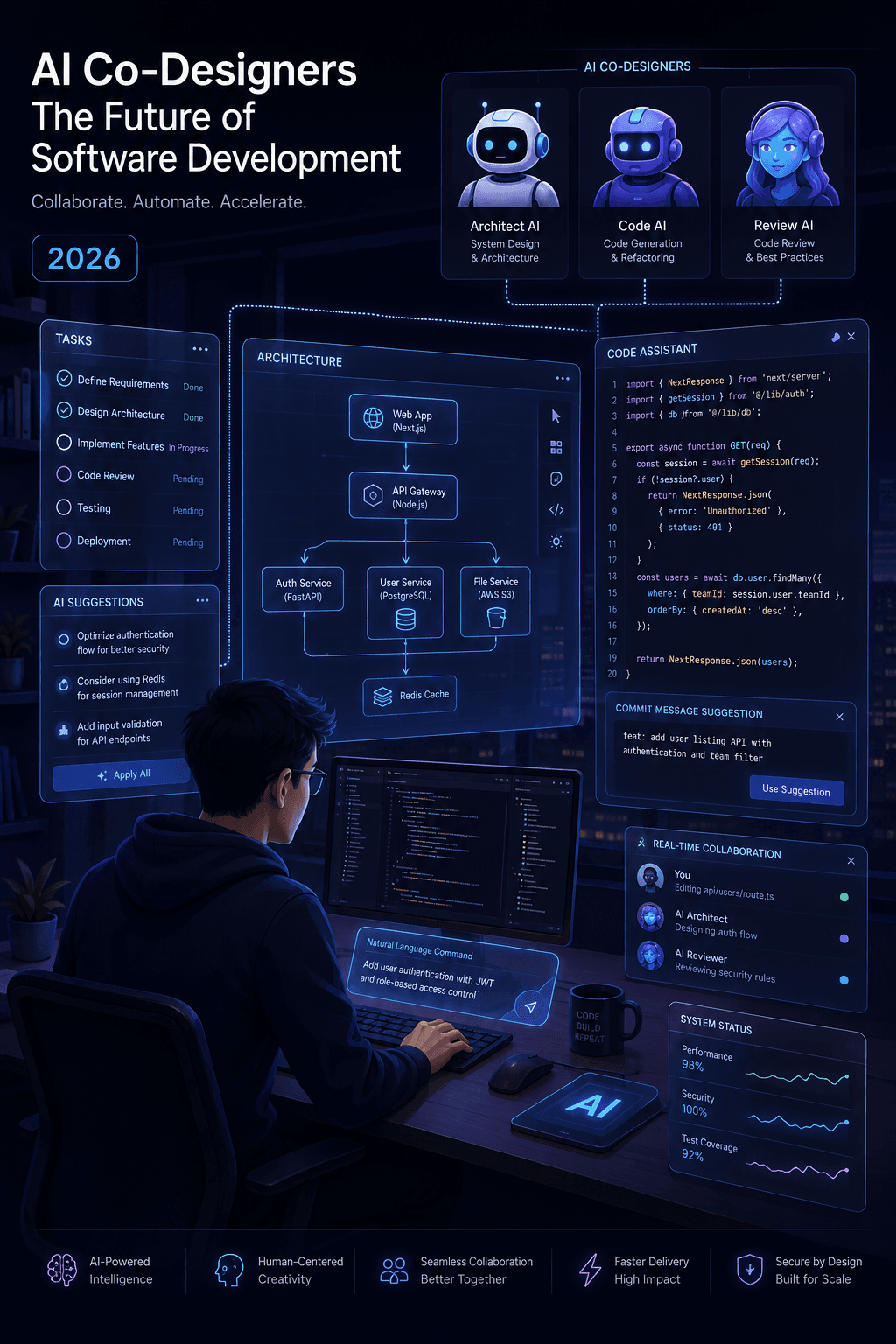
The 2026 AI Coding Workflow for Designing Prototypes
The most effective AI coding workflow for prototypes in 2026 combines deep competitor research, AI-generated brainstorming, and detailed markdown specifications. By breaking development into incremental tasks, feeding rich context, and using GitHub for checkpoints, you transform AI from a chaotic code generator into a reliable co-designer.
AI coding agents are fundamentally changing how we build software. They are no longer just autocomplete tools; they are acting as co-designers that explore options and shape user flows in real time. However, simply throwing prompts at an AI and hoping for a perfect app is a recipe for disaster. To actually ship working prototypes, you need a structured approach.
Here is the exact AI coding workflow for 2026 that turns chaotic AI outputs into clean, functional prototypes.
Why the "One-Shot" AI Coding Myth is Failing
Before diving into the steps, we need to address the biggest mistake developers make with AI: the "one-shot" build.
Many beginners assume they can prompt an AI agent with, "Build me a full-stack clone of Airbnb," and receive a flawless, deployable application. This is a myth. One-shotting apps with AI almost always turns into a jumbled, unmanageable mess of conflicting logic and broken dependencies.
AI is an incredible force multiplier, but it does not replace engineering fundamentals. In 2026, the "vibe engineer" is still the director of the show. You must guide the AI, constrain its outputs, and verify its work.
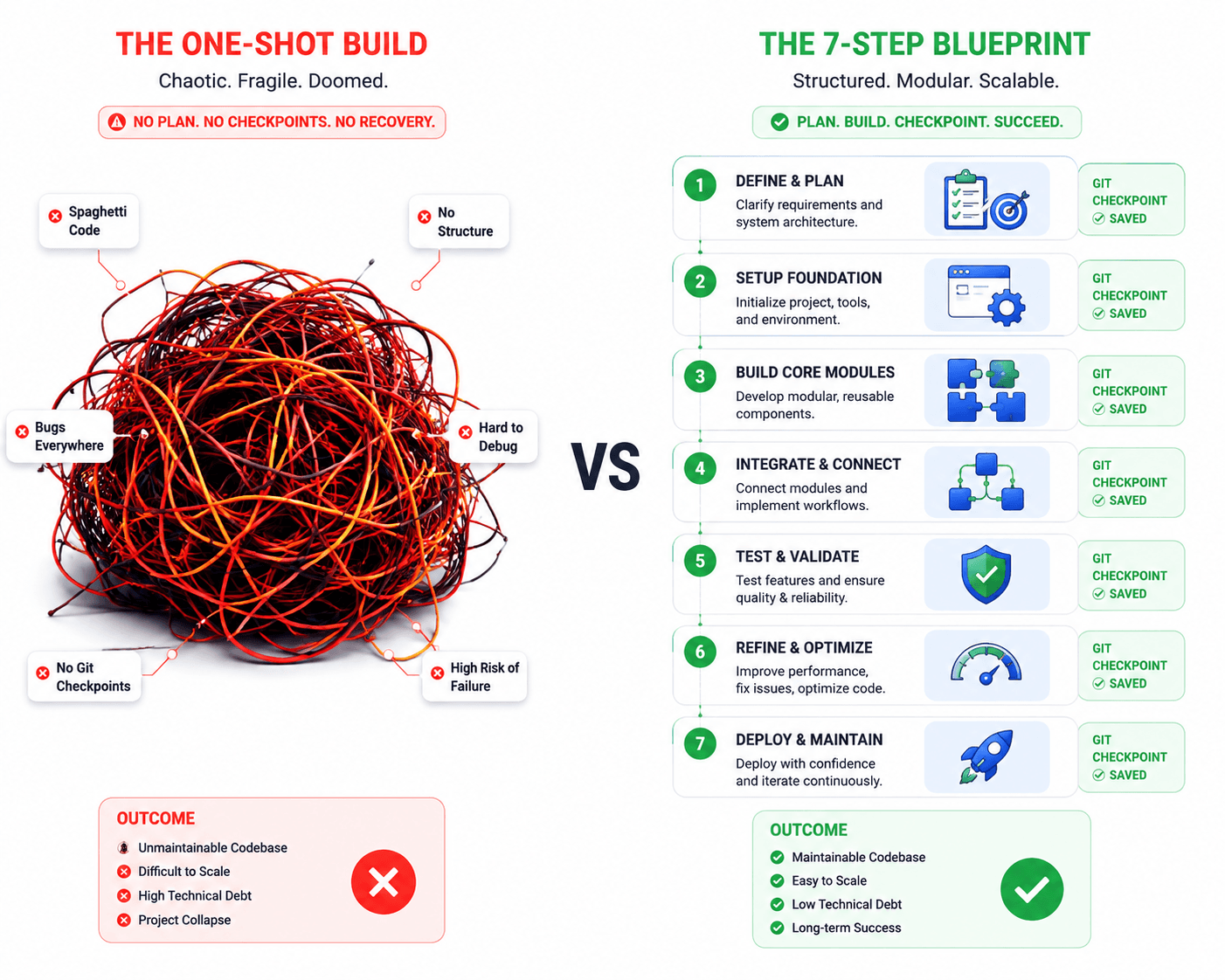
The 7-Step AI Coding Workflow for 2026
This workflow is designed to keep you in control while leveraging the speed of AI agents.
1. Deep Research to Explore Competitors
Never start coding blindly. Begin your AI prototype workflow by using Deep Research modes to scan the current market. Use AI to analyze what is already out there, compare different UX approaches, and pull references, constraints, and industry standards into one centralized document with sources. This grounds your project in reality before a single line of code is written.
2. Brainstorm with AI for Visuals and Flows
Once you understand the landscape, use AI to generate multiple design directions. Ask the AI to provide visual guidance on screen layouts and how the user flow should feel. For example, prompt your AI assistant to build out a conceptual idea across three distinct screens. This helps you visualize the prototype's architecture without getting bogged down in implementation details.
3. Draft a Spec with AI for AI (Takes ~30 Mins)
This is the most critical step for maintaining code quality. Turn your chosen direction into a detailed .md (Markdown) specification file. Include all the engineering specs, data models, and architectural constraints that the AI will need to build your app. You are essentially writing a prompt for the AI, optimized specifically for an AI's logic processing.
4. Break It Into Tasks (No One-Shot Builds)
Plan your development in logical, sequential steps over time. Stop trying to build the entire app in one prompt. Break the .md spec into small, manageable tasks (e.g., "Set up the database schema," then "Build the authentication UI," then "Connect the login flow"). Incremental builds prevent the AI from losing context and creating tangled code.
5. Feed It Rich Context
AI agents perform best when they have boundaries. Feed your AI docs, relevant links, specific constraints, and code examples. The more context you provide about your specific tech stack and design system, the better the output. If the AI doesn't know your preferred styling framework, it will guess and you'll spend hours fixing it later.
6. Use GitHub as Checkpoints
Treat your version control system like a game. Make frequent, small commits. This makes it incredibly easy to go back and revise if the AI takes a wrong turn. Using GitHub for checkpoints makes the development process feel weirdly gamified and keeps your prototype history clean and reversible. For more on managing AI-generated code, reviewing GitHub's official research on AI coding productivity highlights how version control is essential when integrating AI agents.
7. Never Trust Output Blindly
AI is notoriously over-confident and will confidently write incorrect code. You must review, run, and test every single snippet. Never assume it works just because it looks right. Sometimes, the best practice is to ask the AI to write and run unit tests for a feature, and then immediately delete the test files right after to keep the codebase clean.
The Role of the "Vibe Engineer" in 2026
Design and development are evolving rapidly. We are coding more in 2026, not less, but the nature of the coding is shifting from typing syntax to directing logic.
AI tools are insane force multipliers, allowing a single developer to prototype at the speed of a five-person team. However, they require a human director to maintain quality. The "vibe engineer" relies on intuition and design sense to guide the AI, but relies on strict engineering fundamentals to verify the output.
If you want to see how top-tier teams structure their design thinking before handing it off to developers, the Nielsen Norman Group's guide on UX prototyping remains a foundational resource for defining flows before building them.
Frequently Asked Questions
Can AI completely replace software engineers in 2026?
No. AI coding agents are force multipliers, not replacements. They excel at generating boilerplate and speeding up repetitive tasks, but they lack high-level architectural intuition, business context, and the ability to debug complex, system-wide logic errors without human guidance.
What is the biggest mistake developers make with AI?
The biggest mistake is relying on "one-shotting" (attempting to generate an entire application from a single, high-level prompt). This leads to unmanageable code, conflicting logic, and lost context.
How do I prevent AI from generating messy code?
Always maintain a structured .md specification file, break development into small incremental tasks, feed explicit context/docs, and use version control checkpoints after every successful task completion.
What is a "vibe engineer"?
A "vibe engineer" is a modern developer or designer who directs AI tools using intuitive prompts, product vision, and design logic while using foundational coding knowledge to verify and refine the generated code.