Google Flow: The Ultimate AI Creative Studio for Video and Image Generation
Published on Recently
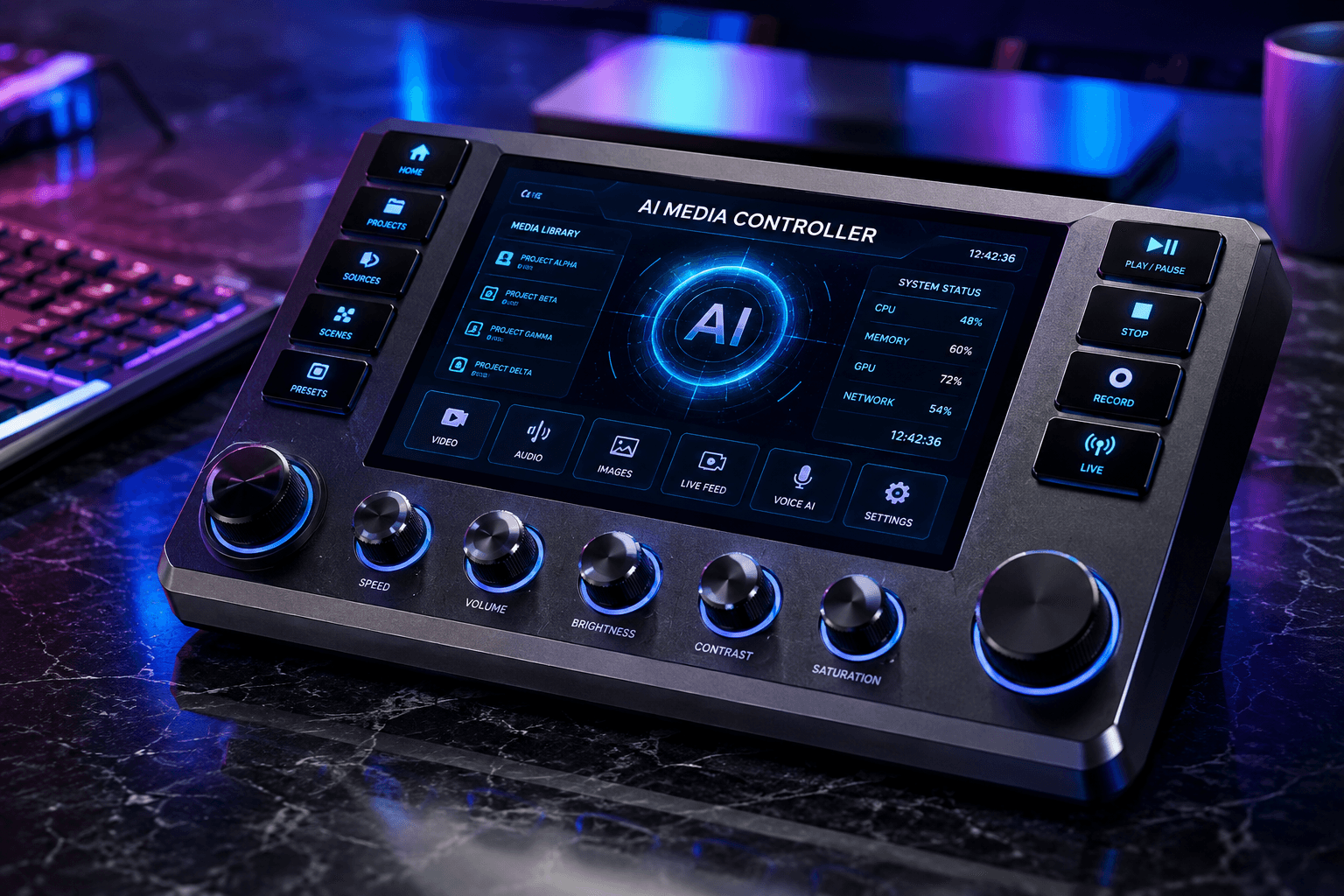
Google Flow: The Ultimate AI Creative Studio for Video and Image Generation
Google Flow is an advanced AI creative studio developed by Google Labs. Designed specifically for filmmakers, designers, and content creators, Google Flow integrates Google’s most powerful generative models—including Veo 3.1, Gemini Omni, and Nano Banana—into a single web and mobile platform for prompt-driven video generation, image editing, and storyboarding.
What Is Google Flow?
Google Flow is a web-based and mobile generative AI workspace that streamlines media creation. Rather than relying on disconnected standalone generators, creators can use Google Flow to direct cinematic video clips, edit images, maintain character consistency across scenes, and execute complex media production pipelines through natural language prompts.
Core Generative AI Models Powering Google Flow
Google Flow brings together several specialized generative models developed by Google:
- Veo 3.1: Google’s state-of-the-art video model. It delivers realistic physics, precise prompt adherence, high visual realism, and native audio synchronization.
- Gemini Omni: A multimodal video-to-video and text-to-video editing model. It allows conversational media adjustments and scene updates using real or generated reference inputs.
- Nano Banana: A high-precision image generation model designed for prompt reasoning, text rendering within images, and subject consistency.
All generated content produced within Google Flow incorporates SynthID watermarking. This embeds invisible digital watermarks directly into the media data, alongside optional visible tags, ensuring clear content provenance and responsible AI usage.
Key Features and Creative Tools
Google Flow offers built-in tools tailored to distinct creative tasks:
- Storyboard Studio: Converts written scripts into multi-shot storyboards and cast descriptions.
- Image Layer Editor: Enables layer-based object transformations, text additions, and image resizing.
- Video Resizer: Automatically scales video aspect ratios for YouTube, TikTok, or widescreen displays.
- Scout360: Generates full 360-degree panoramic environments from a single source image.
- Flow TV: A showcase feed where creators can browse community generations, inspect prompts, and view AI-assisted short films.
How to Get Started with Google Flow
You can start generating content in Google Flow by following these steps:
Access the Platform: Open a Chromium-based browser on a desktop or download the native Google Flow app on mobile.
Sign In: Log in with an eligible Google Account (available through Google AI Plus/Ultra tiers or supported Workspace plans).
Select a Tool or Model: Choose between text-to-video (Veo), image creation (Nano Banana), or conversational video editing (Gemini Omni).
Enter Your Prompt: Describe your scene, subject, lighting, and camera movements in natural language.
Generate and Export: Run generations in the background, preview your rendering notifications, and download high-definition media files.
Official technical guidelines and regional availability are detailed in the Google Flow Help Center.
Frequently Asked Questions
Is Google Flow free to use?
Google Flow offers access to qualifying Google Workspace plans with daily credit allotments. Expanded limits, higher-resolution video upscaling (1080p), and advanced experimental model access require a Google AI Plus or AI Ultra subscription.
What is the difference between Veo and Google Flow?
Veo is the underlying AI model responsible for video synthesis, while Google Flow is the overarching creative studio application that provides the user interface, editing tools, and project management capabilities.
How does Google Flow identify AI-generated content?
Google Flow uses Google DeepMind's SynthID technology to embed invisible digital watermarks into every generated image and video.
Conclusion
Google Flow represents a significant step forward in AI-assisted filmmaking and digital media production. By bringing multimodal models like Veo 3.1, Gemini Omni, and Nano Banana into one synchronized workspace, Google provides creators with precise control over video synthesis, storyboarding, and image editing.